Waterpark Simulator Star and Diamond Readiness Checklist
Tick the real blockers before you call the park prestige-ready.
How to use this checklist tool
Interactive star checklist
Tick items as your park improves. Progress saves in this browser.
The interactive checklist on this page is meant to sit above your open-day routine. Work top to bottom before you place another landmark, invite co-op friends into a Beach expansion, or flip night overtime. Prestige in Waterpark Simulator is quest-driven—see Stars and Diamond Rating—so every unchecked box below is a reason the top-right objective list refuses to move.
Treat the list as a live board. In 2–4 player co-op, one player should own the ticks while others execute. After CayPlay’s 1.0 launch on July 31, 2026, diamond sits above five stars, so late rows include security, mascots, themes, and overtime discipline—not only “build more slides.”
Gate and money checklist
- Restock hot dog and lemonade counters before open
- Print a modest flyer stack only if cleaning coverage is ready
- Confirm adult / teen / senior categories and slide-pass needs at the booth
- Personally clear the first morning ticket wave before leaving a Ticket Agent alone
- Eject missing-bracelet cheaters before they reach pools
- Remove devil-icon troublemakers without abandoning a paid queue
- Keep a cash buffer for wages, bags, food stock, and one emergency repair
- Verify flyer demand did not overflow bin coverage after the last advertising push
Wrong tickets and unpaid entries quietly stall revenue and throughput quests. Refresh habits from Getting Started whenever a new star adds morning traffic.
Cleanliness and safety checklist
- Trash bins face guest approach paths with yellow coverage on real queues
- Extra bins at pool exits, food queues, and custom slide landings
- Trash bags filled before disposal so supply cost stays sane
- Puddles mopped before ragdoll pileups start review damage
- Life rings staged in active pools; spare ring in inventory
- Cracked attractions hammered and refilled before guests dive into empty basins
- Toilets and showers online when research and star gates allow
- Cleaner routes do not cross every high-speed splashdown
Deep mop and bin tactics live in Cleaning Loop. If you fail this block, skip prestige décor—diamond quests will not save a dirty park.
Staff and coverage checklist
- Cleaner hired before the second major attraction zone opens
- Ticket help scheduled after you can personally clear the opening spike
- Food vendors covering stands you can no longer serve between admissions
- Lifeguard sightlines on busy slide exits and diving boards
- Repair coverage once multiple attractions can break in the same afternoon
- Security online when unruly guests outgrow boxing-glove duty
- Mascots added only after clean, safe, and fed baselines are stable
- Duplicate critical roles across Beach districts instead of one overloaded hero
Use the Staff Planner and Hiring Guide when two badges compete for the same cash pile.
Build, map, and theme checklist
- One safe guest loop before a second district
- Custom slide exits dump into deep water with swim-out lanes (Custom Slides)
- Landing pools separated from leisure and family shallows (Pool Layout)
- Beach map expansions include trash, food, and rescue coverage—not only shoreline props
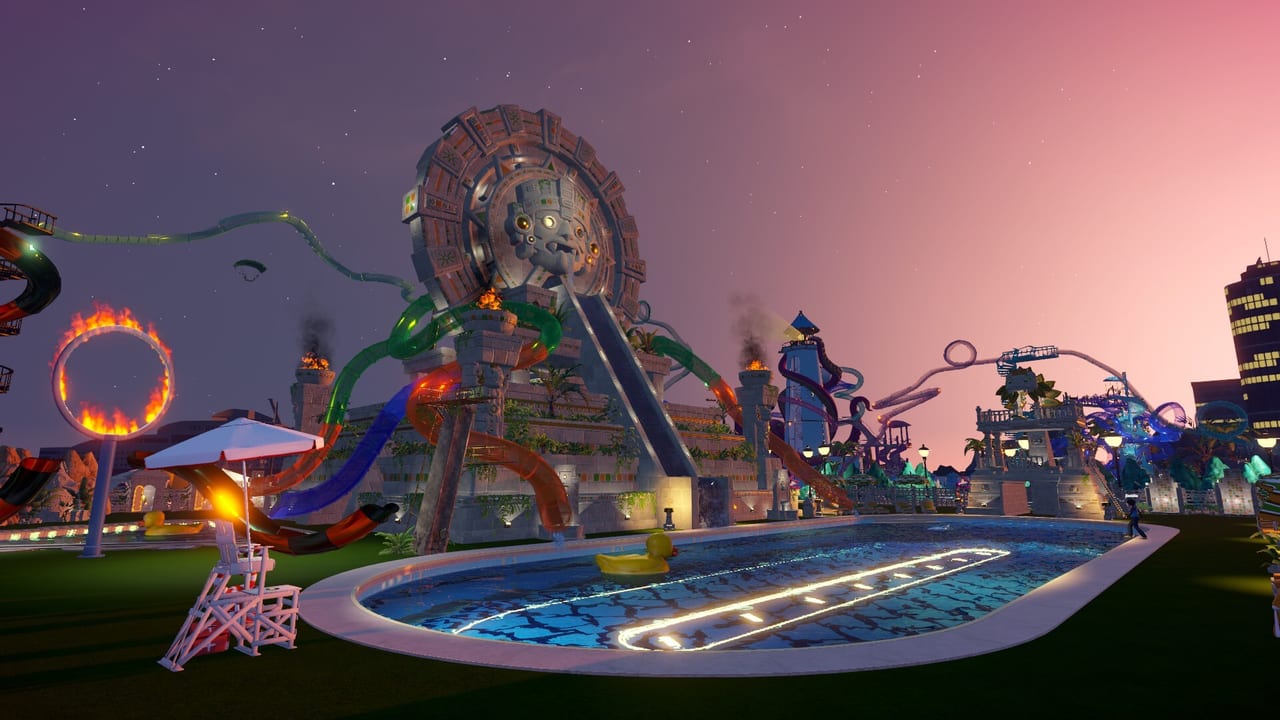
- Ocean / Aztec / Pirate theme props do not block bin arrows or lifeguard views
- Prestige landmarks remain reachable for repair and cleaning staff
- Night-mode paths and service alleys are lit enough to spot mess and rescues (Night Mode and Weather)
- Overtime wages budgeted before you extend a “good day” into night
Themes reward identity and late quests; they are not a substitute for objective buildings.
Research and prestige checklist
- Today’s top-right objectives read before any optional build
- Research spent on the bottleneck you felt yesterday (Research Planner)
- Star-gated Research Table rows checked before assuming a bug
- Five-star operational stability confirmed before diamond quest bingeing
- Diamond tasks tied to security, mascots, or themes unlocked only when ops can support the attention
- Co-op “quest captain” named so build parties do not ignore the list (Multiplayer Co-op)
- Controls friction fixed if build or sprint speed is the real blocker (PC Controls)
Diamond-day final pass
Run this short board at close or before a prestige push:
- No unpaid bracelets wandering the park
- No empty food counters at peak
- No dark unstaffed slide exits after sunset
- No theme courtyard that broke cleaner pathing
- No unused research points sitting on an unlock that shortens the failing loop
- No night overtime without a wage buffer
If every major section above is green, expand. If any gate, cleaning, or staff row is red, fix that row and re-open tomorrow. For purchase context on whether the 1.0 feature set is for you, see Is It Worth Buying?. Return to the Tools Hub for the staff and research planners that feed this checklist.
Frequently Asked Questions
Quick answers to the most common questions.
Is this checklist only for diamond rating?
No. Early and mid-star rows cover tickets, cleaning, and basic staff. Diamond rows activate after five-star operations feel stable.
How often should I rerun the checklist?
Before each major expansion, after a new custom slide exit, before night overtime, and whenever a star objective stalls.
Can co-op friends each run their own list?
Better to share one board with a quest captain so nobody marks prestige ready while the gate is still failing.
What if themes are unchecked but the park looks pretty?
Pretty props that block bins or sightlines fail the build section. Fix pathing before counting Ocean, Aztec, or Pirate sets as done.
Does night mode help the checklist?
Only when daytime ops are already green. Overtime can finish chores, but wages and dark blind spots can fail safety rows.
Where should I go if cleaning keeps failing?
Open Cleaning Loop for routes, then Staff Planner for cleaner coverage before returning to this checklist.