Waterpark Simulator Pool Layout Planning
Shape swim zones, exits, and Beach map decks that keep guests moving.
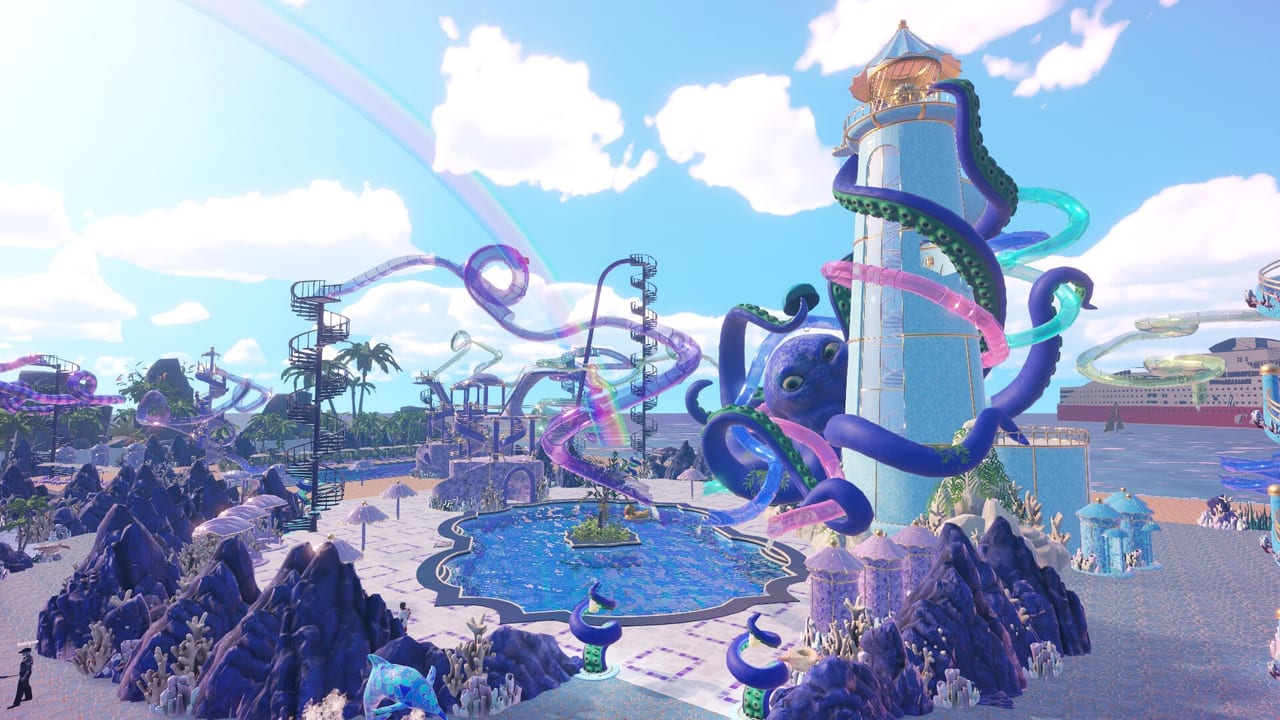
Pools are the circulatory system of Waterpark Simulator. Slides create spectacle, but pools decide whether guests recover, socialize, spend money, and leave happy—or drown in a traffic jam under a loop exit. After the 1.0 release, new pool types, Beach map frontage, and night mode make layout planning more important than ever. This page shows how to arrange swim space so your Custom Slides and Prestige Builds actually function.
Core layout principles
Separate four jobs: landing water, leisure swimming, shallow family zones, and service edges. Landing water sits under slide exits and diving boards; it needs depth, width, and lifeguard sightlines. Leisure swimming should not share the exact same rectangle as high-speed landings. Shallow zones belong near food and rest areas. Service edges are where cleaners, repair access, and trash cans live without cutting through guest joy.
Think in lanes, not blobs. A single giant rectangle looks open in the build menu and turns into chaos at peak hour. Use islands, rails, and deck bridges to create predictable swim-out paths. Guests who can see the stairs out of the water create fewer rescue events and higher cleanliness scores because they stop thrashing in corners.
Starter park versus Beach map
On the starter lot, keep the first pool close to the entrance so ticket-to-swim time stays short. Pair it with one simple slide and a food stand within a short walk—see Getting Started for the operational loop that funds expansion. When you unlock Beach map beachfront zones, shift to wider decks facing the sand and city backdrop. Put long slide runouts toward the back edge and open leisure pools toward the view so screenshots and guest wandering both feel intentional.
Beach frontage is also where theme districts shine. An Ocean terrace with teal flooring and open infinity edges reads differently from a Pirate cove with darker water edges and ship props. Aztec temple pools work well as prestige centerpieces if you leave ceremonial stairs wide enough for night-mode crowds. Cross-check unlock timing on the Map hub and décor options under Items.
Night mode and lighting lanes
Night mode is not only cosmetic. Dim decks hide exits and create accidental swim-outs into staff paths. Light the rim of every landing pool, the stairs, and the route to towels, food, and park exits. Colored glow on water sells the vibe; white or bright path lights sell the operations. If you run evening hours in co-op, assign one player to lighting QA while others place props.
Food, trash, and staff rings
Hungry guests leave pools to spend. Place vending and stands on deck rings—not on the only swim-out stair. Trash cans belong on those same rings so cleaners can loop without swimming. Lifeguards need elevated sightlines across landing water; cleaners need access under slide scaffolding; security needs room to escort unruly guests away from family shallows. Use the Hiring Guide and Staff Roles Tier List when your pool complex outgrows solo mopping.
Layout recipes
Twin basin: small landing pool + larger leisure pool linked by a short channel. Ideal after your first swimming pool tutorial hours.
Beach crescent: curved leisure water along the sand line, slide landings inland, food on the crescent tips.
Temple court: Aztec prestige pool as a center square, with slide exits on two opposite corners and photo props on the dry edges.
Night lagoon: Ocean-themed leisure pool with strong underwater-adjacent lighting and a single prestige diving board covered in Prestige Builds.
Mistakes that kill ratings
Building slide exits into shallow corners, boxing guests behind prop walls, stacking every attraction onto one pool, and forgetting repair access under towers are the usual failures. Another trap is expanding capacity without upgrading cleaning and repair—see Upgrades Priority. Compare which poolside attractions deserve cash in the Attractions Tier List.
When the water works, return to the Build Hub for the next construction sprint, skim Guides if guests are unhappy for non-layout reasons, and keep PC Controls nearby while you nudge decks and rails. A beautiful park is a flowing park: pools make that flow real.
Frequently Asked Questions
Quick answers to the most common questions.
Should slide exits share the main swimming pool?
Early on, one shared pool can work. As traffic grows, split landing water from leisure swimming so exits do not crush casual guests.
How does the Beach map change pool planning?
Beach frontage offers wider decks and longer runouts. Face leisure water toward the view and keep high-speed landings inland with clear swim-outs.
What matters most for night-mode pools?
Light rims, stairs, and routes to food and exits. Glow is great for mood, but path visibility keeps operations safe.
Where should food stands sit relative to pools?
On deck rings near swim-out stairs, never blocking the only exit from landing water.
Which staff roles support large pool complexes?
Lifeguards for rescues, cleaners for decks and water mess, repair for slide infrastructure, and security when crowds get rowdy.