Waterpark Simulator Items Hub
Food, decor, and equipment that turn guest traffic into profit—not puddles.
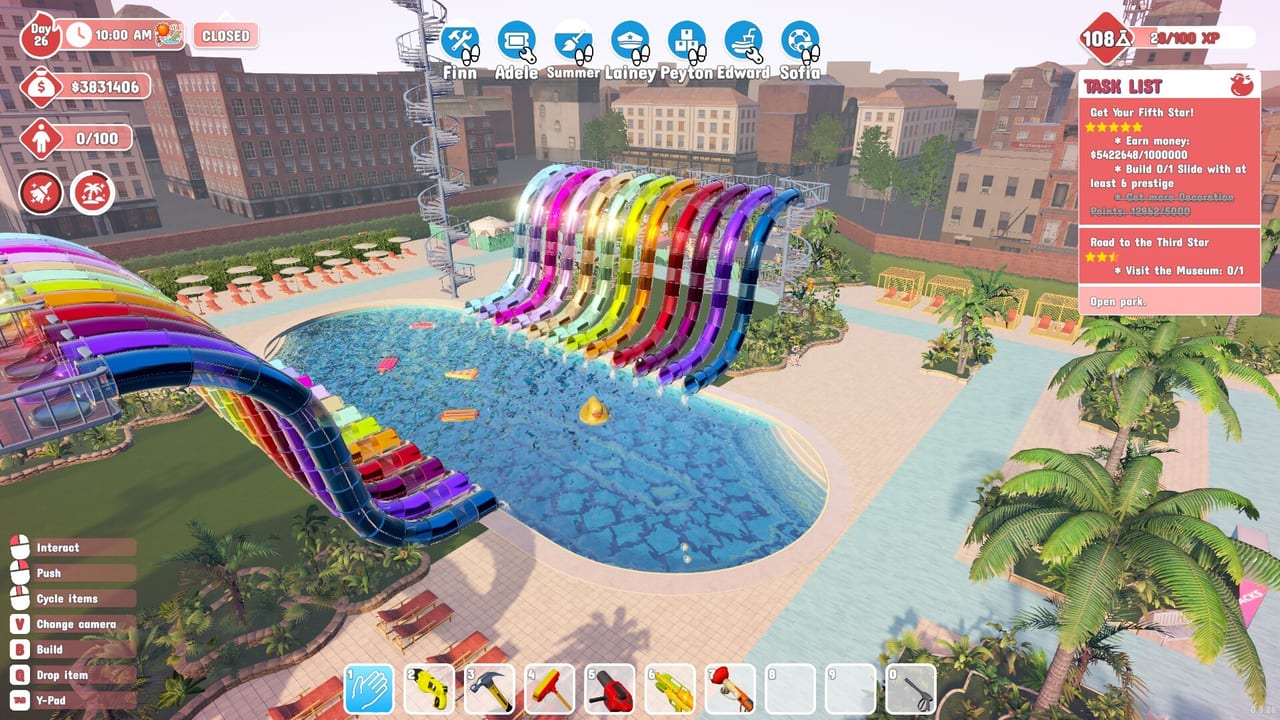
Items are the park’s operating system
Waterpark Simulator by CayPlay Studios hit 1.0 on July 31, 2026 across Steam, PlayStation 5, and Xbox Series X|S at $12.99. Slides and Beach map views get the screenshots, but items decide whether guests stay happy: restocked food, coherent Ocean / Aztec / Pirate decor, and tools that shorten mop, repair, and security work. Online co-op for 2–4 players, night overtime, diamond rating, security, and mascots all assume your item loops keep up.
This Items Hub indexes the three practical catalogs. Use it when a day fails because counters went empty, props blocked bins, or you still sprint everywhere without the right tool unlocked. Pair items with the Build Hub for where objects sit, the Map Hub for Beach and night context, and the Guides Hub for the management loop around them.
Items page index
Food Concessions
Hot dogs, lemonade, toppings, restock timing, and stall placement near gates versus Beach mid-park bands. Featured because empty food is one of the fastest ways to tank satisfaction and research pacing on a busy 1.0 day.
CayMart Shop
The street-side CayMart storefront for day-one decor, tools, and theme crates—what to buy first, restock timing, and how shop walks fit gate and cleaning loops without stealing the whole morning.
Decor Customization
How to buy and place theme props without destroying mop lanes, bin facing, or security sightlines. Ties Ocean, Aztec, and Pirate identity to diamond photo zones and Beach districts.
Tools and Equipment
Mops, water gun, Floor Tool unlocks, trash bags, hammers, life rings, boxing glove, and 1.0 kit expansions—the plunger gun, zip lines, and paintgun—that turn chores into controllable loops, especially before night overtime.
How to shop items without going broke
- Restock food before open; never “fix it later” on Beach distances.
- Unlock time-saving tools at the Research Table before cosmetic crates—see Research Points.
- Place bins and life rings as equipment, not afterthoughts (Cleaning Loop).
- Theme with district rules from Themes: Ocean, Aztec, Pirate.
- Hire vendors and cleaners when item walks steal your whole morning (Hiring Guide).
- Rank attraction and upgrade spend in the Tier List Hub so item budgets stay honest.
Cross-links
Food placement depends on Pool Layout and Beach Map Zones. Prestige decor should support Prestige Builds and Stars and Diamond Rating, not replace them. Night tools and lighting sense-checks live in Night Mode and Weather. Staff who use the items sit under Staff. Patch changes to prices or unlocks belong in Updates; planners live in Tools.
What this hub skips
We do not invent full shop price tables that the live client may patch weekly. Guidance here is about loops: stock, place, unlock, and protect sightlines. If a patch renames a tool or moves a theme crate, re-check the child page that owns that category.
Bookmark the Items Hub when co-op friends ask what to buy next. Point the hungry park to food concessions, the decorator to theming rules, and the chore runner to tools—then return to Guides if the real problem is tickets or star quests rather than the catalog.
Frequently Asked Questions
Quick answers to the most common questions.
Which items should I buy first in Waterpark Simulator?
Prioritize trash bags, life rings, facing bins, and restocked food before spending heavily on theme decor crates.
Do food concessions matter for research?
Yes. Serving and restocking food supports income, task lists, and research pacing—not only guest hunger meters.
When should I unlock better tools?
Early. Floor Tool, better bins, and pocket space usually pay back faster than cosmetic themes on a busy park day.
Can decor hurt park performance?
Yes if props block bin facing, mop lanes, or security sightlines. Theme as districts and re-check trash coverage after every pass.
Where do staff fit with items?
Hire vendors and cleaners when restock and mop walks dominate your day. Items reduce distance; staff remove repeated interruptions.