Hiring Staff in Waterpark Simulator
Fund payroll, unlock coverage, and stop living in the mop closet.
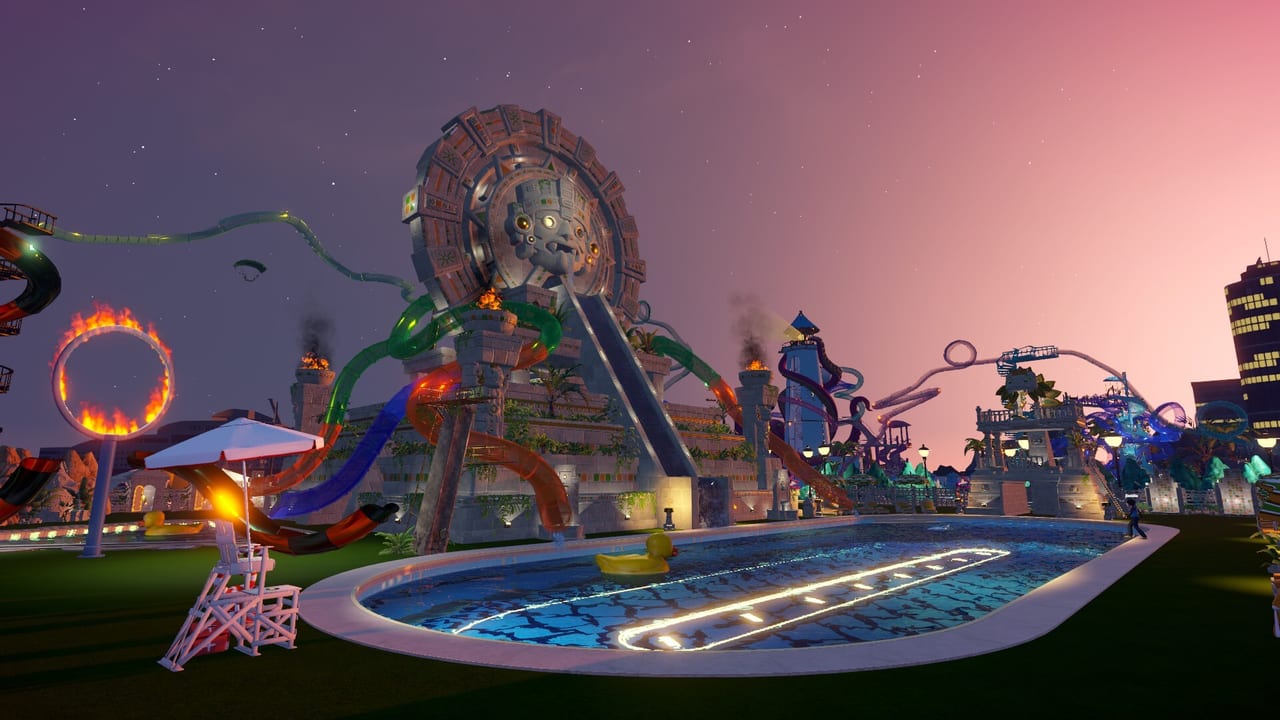
Hiring is the moment Waterpark Simulator shifts from handmade chaos to managed spectacle. Early on, you sell tickets, serve snacks, scoop mess, and rescue divers yourself. That tutorial grind teaches systems—but it does not scale to Beach map districts, custom slide towers, or diamond objectives. This hiring guide explains when to bring people on, how to afford them, and how 1.0 roles like security and mascots fit a healthy roster.
When to make the first hire
Hire your first cleaner when mess starts stealing whole sessions. A practical trigger is finishing the first reliable pool-and-slide loop from Getting Started and noticing cleanliness dips whenever you stop to build. If you are already sketching Custom Slides, you are late—pause construction for payroll. Lifeguards become urgent the first time landing pools stay busy while you are stuck at a food stand.
Repair staff earn their keep after multiple attractions exist and breakdowns interrupt fun scores. Security matters when unruly guests threaten queues or family zones—especially in dense prestige courtyards. Mascots are a growth hire: add them after clean, safe, and fed are solved so hype lands on a park that can handle attention. For 1.0-specific escort paths, parade space, and when each role pays off, see Security and Mascots.
Funding wages without stalling the park
Payroll fails when players buy a landmark and forget weekly costs. Keep a cash buffer equal to several days of wages before each hire. Boost income with better food coverage, smoother ticket flow, and attractions that actually run—see Upgrades Priority and Attractions Tier List. If the Mafia loan temptation appears during a cash crunch, treat it as emergency leverage, not a staffing plan.
In online co-op (2–4 players), assign one “ops lead” to watch funds while others build Pool Layout or Prestige Builds. Humans can temporarily cover shifts, but hire before friends log off for the night.
Assignment habits that prevent dead staff
Hiring is useless if workers path through nonsense. Place staff around the rings you designed for water and food. Cleaners need trash can loops. Lifeguards need unobstructed views of slide exits and diving boards. Repair needs scaffold access. Security needs escort routes that do not shove troublemakers through shallow kids’ areas. Mascots need parade space that does not block queues.
Vendor assignment plaques and reloads
Food and service vendors often fail because the assignment plaque is wrong or stale—not because you under-hired. After moving stands or restocking under rush pressure, reopen the vendor assignment UI and confirm the plaque still points at the station you think it does; a quick reload of the assignment (or a clean reassign) fixes many “idle vendor” reports. Step-by-step plaque and reload tips live in Vendor Form.
After every map unlock on the Map page, walk the new zone and reassign coverage. Night mode parks need a second pass for lighting—staff that cannot see problems cannot solve them. Use PC Controls if menu navigation on PC is slowing your hire-assign loop.
Suggested hiring timeline
- Solo survival with player-run cleaning and tickets.
- First cleaner once the starter pool is busy.
- Lifeguard when slide landings stay populated.
- Food help when stands outpace your serving speed.
- Repair before prestige towers multiply failures.
- Security as crowd density and chaos rise in 1.0.
- Mascots for fun spikes after operations stabilize.
- Duplicate critical roles across Beach districts instead of one overloaded hero employee.
Refine exact order with Role Priority when two hires compete for the same cash pile. For long-term composition grades, use the Staff Roles Tier List. Broader ops live in Guides; build context in the Build Hub; item and décor costs in Items; checklists in Tools.
Patch 1.0.43: staff can quit if bullied
After UPDATE 1.0.43 (early August 2026), staff are no longer infinite comedy sandbags. If a player bullies employees heavily in a short period—repeated shoves, hammer hits, and similar abuse—workers can quit. Quitting staff send a notification, show a red exclamation mark on their name, and highlight red. Treat that UI as a payroll emergency: stop the abuse, rehire coverage, and reassign zones. Co-op lobbies should say this out loud before open night—friends who “test physics on the janitor” can empty your cleaner roster mid-rush. Pair the warning with Multiplayer Co-op host etiquette and keep saboteur defense aimed at bad visitors, not your own team (Saboteurs, Patch 1.0.43).
UPDATE 1.0.48 softens that pressure on relaxed saves: staff will not quit on Easy or Sandbox, and a new accessibility option can disable staff quitting and NPC retaliation entirely. Hard/Normal managers who still want the comedy risk keep the 1.0.43 rules unless they flip that toggle—see Patch 1.0.48 and Difficulty Modes.
Hiring mistakes to avoid
Buying mascots before cleaners, staffing a huge Beach front with one lifeguard, ignoring repair until every slide is red, and hiring without re-pathing after prop spam are the usual failures. Another mistake is comparing headcount instead of coverage—eight workers in the wrong plaza still lose diamond momentum. After 1.0.43, add one more: never manufacture resignations for a clip while the Beach wing is already understaffed.
Nail the hire, then return to creative work. The point of staffing in Waterpark Simulator is not spreadsheet cosplay; it is protecting the joy of watching ragdoll guests survive the park you built.
Frequently Asked Questions
Quick answers to the most common questions.
What is the best first hire?
A cleaner is the most common first hire because cleanliness collapses rating whenever you focus on building or food service.
How much cash should I keep before hiring?
Keep a buffer of several days of wages plus spending money for repairs and food stock so payroll does not strand construction.
When do I unlock security and mascots value?
Security shines once unruly guests disrupt busy parks. Mascots are strongest after clean and safe baselines exist.
Should co-op teams delay hiring?
Only briefly. Friends can cover shifts in 2–4 player sessions, but AI staff are essential when humans leave or build all day.
Why is my new hire not helping?
Check assignment and pathing. Workers trapped behind props or stationed far from mess and landings waste wages.
What page helps if two roles are equally tempting?
Use Role Priority for triage and the Staff Roles tier list for longer-term roster value.
Why are staff highlighted red and quitting?
Patch 1.0.43 lets staff resign if a player bullies them a lot in a short time. They notify you and highlight red—stop the abuse and rehire coverage.